BlackVue DR770X-2CH 256GB Full HD Wi-Fi GPS 2 Channel Front & Rear Dash Camera
Best Night and Day Video Clarity and Built-in Cloud connectivity
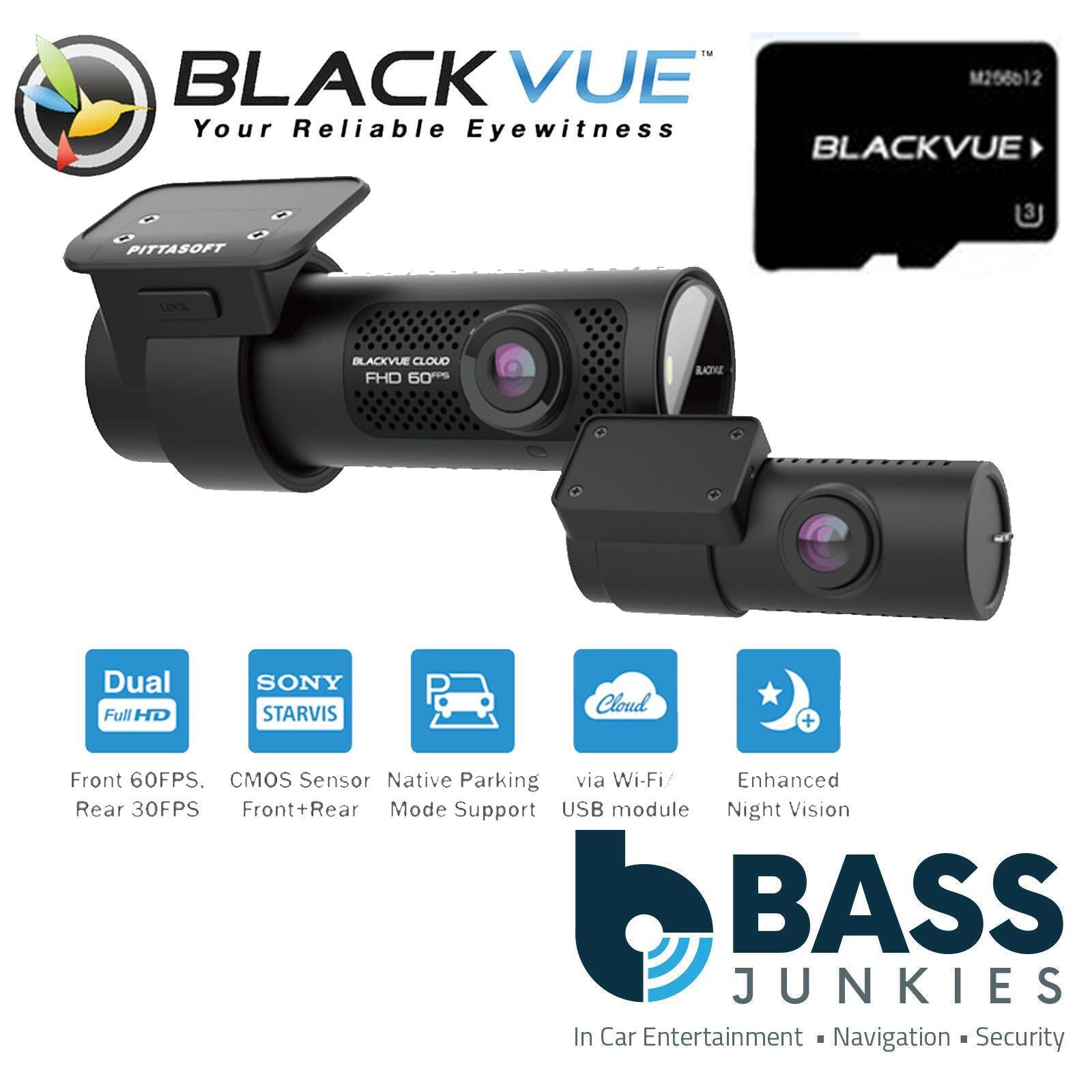
The DR770X-2CH is a dual-channel dash cam with BlackVue Cloud connectivity. Both front and rear cameras pack back-illuminated Full HD Sony STARVIS™ image sensors for best image quality under any light. This stealthy dashcam also comes with built-in GPS, Wi-Fi and native Parking Mode support via included hardwiring cable.
Dual Full HD Cloud dashcam
Night Footage Never Looked This Good
Dual STARVIS™ sensors in Full HD 1080p (front 60 / rear 30 frames per second).
Fluid videos of the front and back of your car at a wide 139° view angle.
The back-illuminated STARVIS image sensors produce clear details in both shadows and highlights thanks to high sensitivity and wide dynamic range.
Native Parking Mode with built-in voltage monitor to protect your vehicle battery (hardwiring cable included).
With the free BlackVue Cloud service, check on your car from anywhere, anytime.
Hardwiring cable included
DR770X Series can be hardwired to your vehicle’s fuse panel for Parking Mode, without requiring optional accessories. The dashcam will switch to Parking Mode automatically when vehicle ignition is turned off. Voltage cutoff and timer can be set in the BlackVue App.
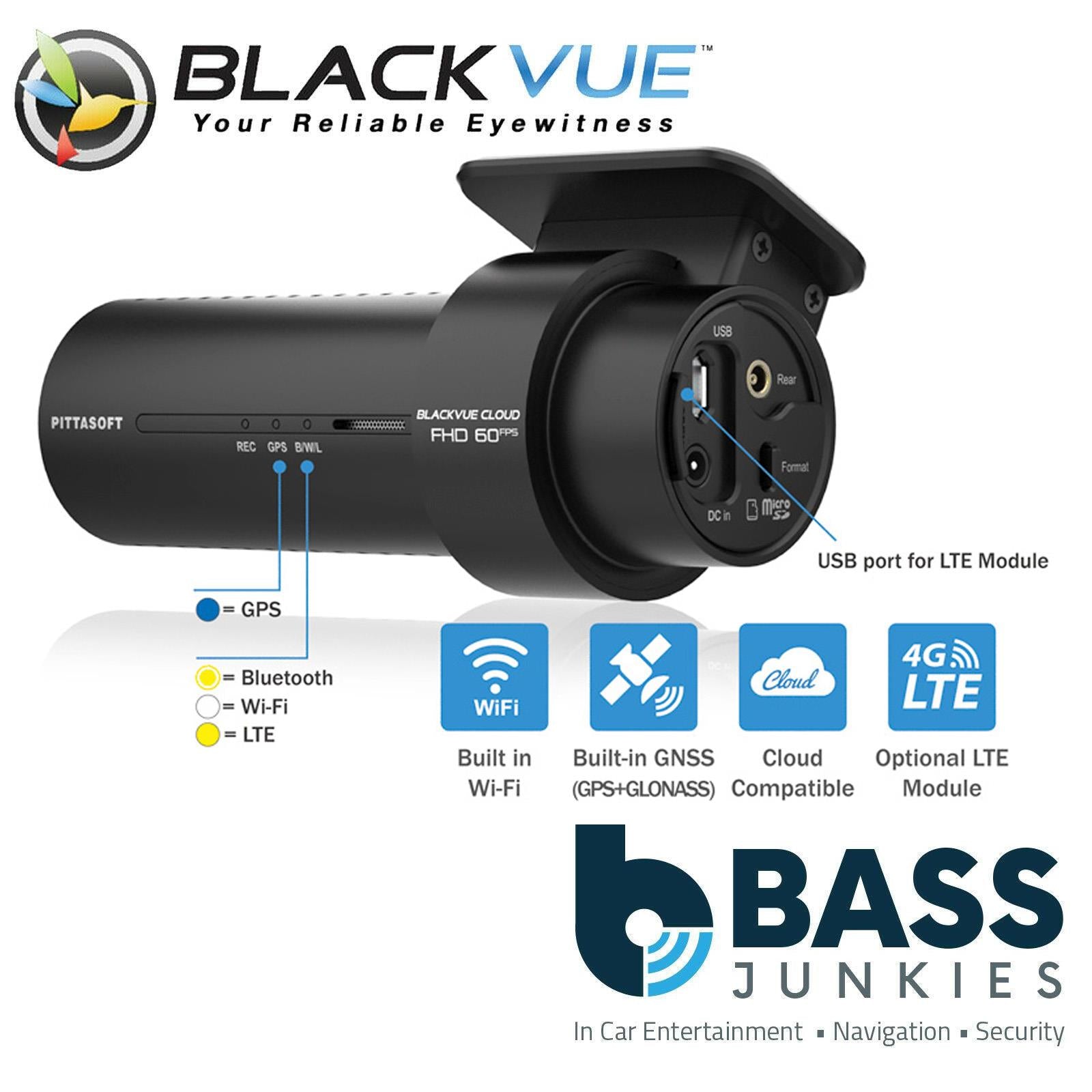
GPS, Wi-Fi and Optional LTE
GPS: visualize the location of your vehicle on the map during video playback and overlay speed on videos (can be hidden in settings).
Wi-Fi: lets you connect to your BlackVue with a smartphone or tablet. Wi-Fi also lets your BlackVue connect to BlackVue Cloud via any home or mobile Wi-Fi hotspot (router).
LTE: connect the optional LTE connectivity module* via the USB port for the best Cloud experience
Seamless Pairing with the BlackVue App
Effortless setup. Secure. No password.
With Seamless Pairing, setting up your dashcam is a breeze. Just power the dashcam, then easily connect from the BlackVue app and follow the simple instructions.
Whether you want to browse your dashcam’s files and settings or connect your dashcam to the Cloud, Seamless Pairing makes everything easy and intuitive.
Event Files Overwrite Protection: dashcams record in a loop, overwriting older files when the memory is full. BlackVue can prevent Event files (triggered manually or by impacts) overwriting. Up to fifty (50) files can be protected this way. You can choose to allow new Event files to overwrite past Event files, thus keeping the latest fifty.
Adaptive Format-Free File Management: this BlackVue-developed file system improves recording stability and requires less microSD card formatting.
SD Card Failure Alert: your BlackVue detects as soon as the microSD card fails and warns you with a “Please check SD card” voice alert.
Built-in Speaker, Impact Sensor and Motion Detection
Speaker: your dashcam tells you when it turns on, shuts down or detects errors.
Accelerometer: detects impacts to trigger Event recording. Enables Parking Mode* when stationary for 5 minutes.
Automatically tags video files: While driving, the built-in accelerometer (G-sensor) detects impacts and sudden changes in speed. While parked, your BlackVue also detects visual movements around your vehicles (in Motion + Impact detection mode).
Use the filters in the BlackVue App and Viewer: BlackVue tags all videos (Normal, Event, Parking Mode, etc.), so that you can filter them and quickly find the ones you need in the BlackVue Viewer (Windows, Mac OS, Web) or the BlackVue App (Android, iOS).
BlackVue App (iOS, Android) and Viewer (Windows/Mac/Web)
Easily manage your video files
Easily change your BlackVue configuration settings and browse your videos on your mobile or computer.
With the BlackVue App, connect to your BlackVue to access files and check real-time Live View for easy setup of your dashcam.
With the SD Card Viewer, connect your dashcam’s microSD card to your computer to view and backup footage in bulk, as well as export clips, remove sound, etc.
Me and My Car. Connected.
Connect to your BlackVue anytime, from anywhere in the world with BlackVue Cloud.
Receive Push Notifications on your phone whenever the dashcam detects an impact on your parked vehicle, and see for yourself with Remote Live View. Even better, let BlackVue upload critical footage—such as break-in or hit and run—in real time to the Cloud with Live Event Upload.
Play and download videos from your dashcam or the Cloud from anywhere and back up important videos to the free Cloud storage.
Enjoy Two-way Voice Communication with the driver from the app through the BlackVue’s integrated speaker and mic.
High Frame Rate for Extra Fluidity
The advantage of 60FPS video capture
The front camera records extra fluid videos at 60 frames per second, keeping all details sharp even in fast action. With 60fps, motion blur is much reduced compared to 30fps. That means your BlackVue can better capture details–like license plates–even in fast-moving objects.
Note 1: the higher the image quality setting, the higher the bitrate and the bigger the file size. A bigger size will increase the time necessary to transfer a video file over Wi-Fi.
Note 2: Remote Live View using BlackVue Cloud is not affected by the image quality and framerate settings.